Content catalogs
A content catalog is a table of one kind of content: Exhibitors, Sessions, Food & drink, Restrooms. Each row is one thing visitors can search for and open on the map, with a name, a description, a logo and whatever columns you need. Import a spreadsheet, keep it current, and the map follows.
How content reaches the map
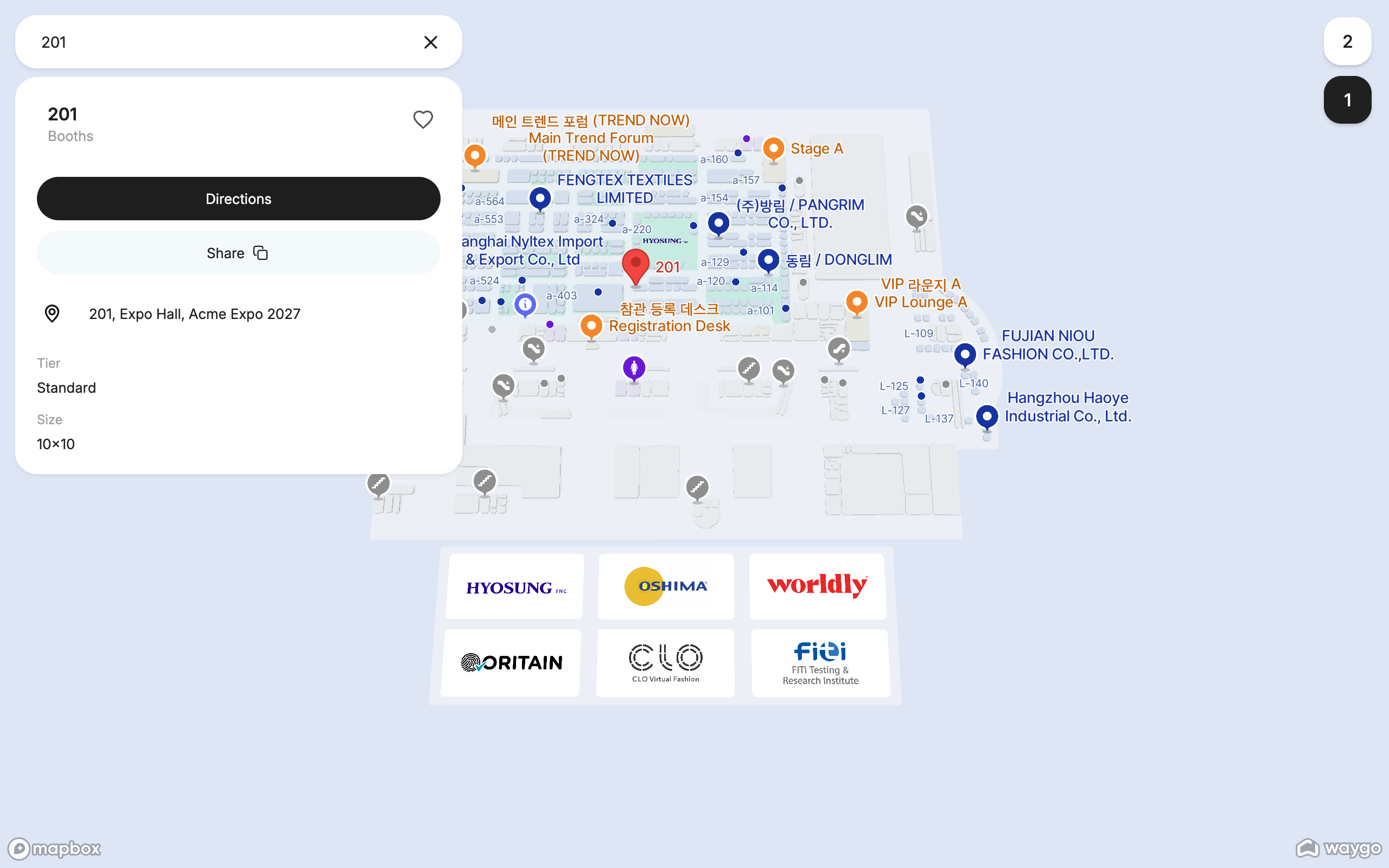
Rows land on the map through a placement rule that your Waygo team sets up when they build your map. The rule matches a column in your catalog to the booths, rooms or stands on the floor plan, most often a booth number: a row whose Booth is 201 is placed on booth 201. The map's page shows the result under Content on this map (“298 of 301 rows placed”), and names the rows that could not be placed so you can fix their booth numbers.
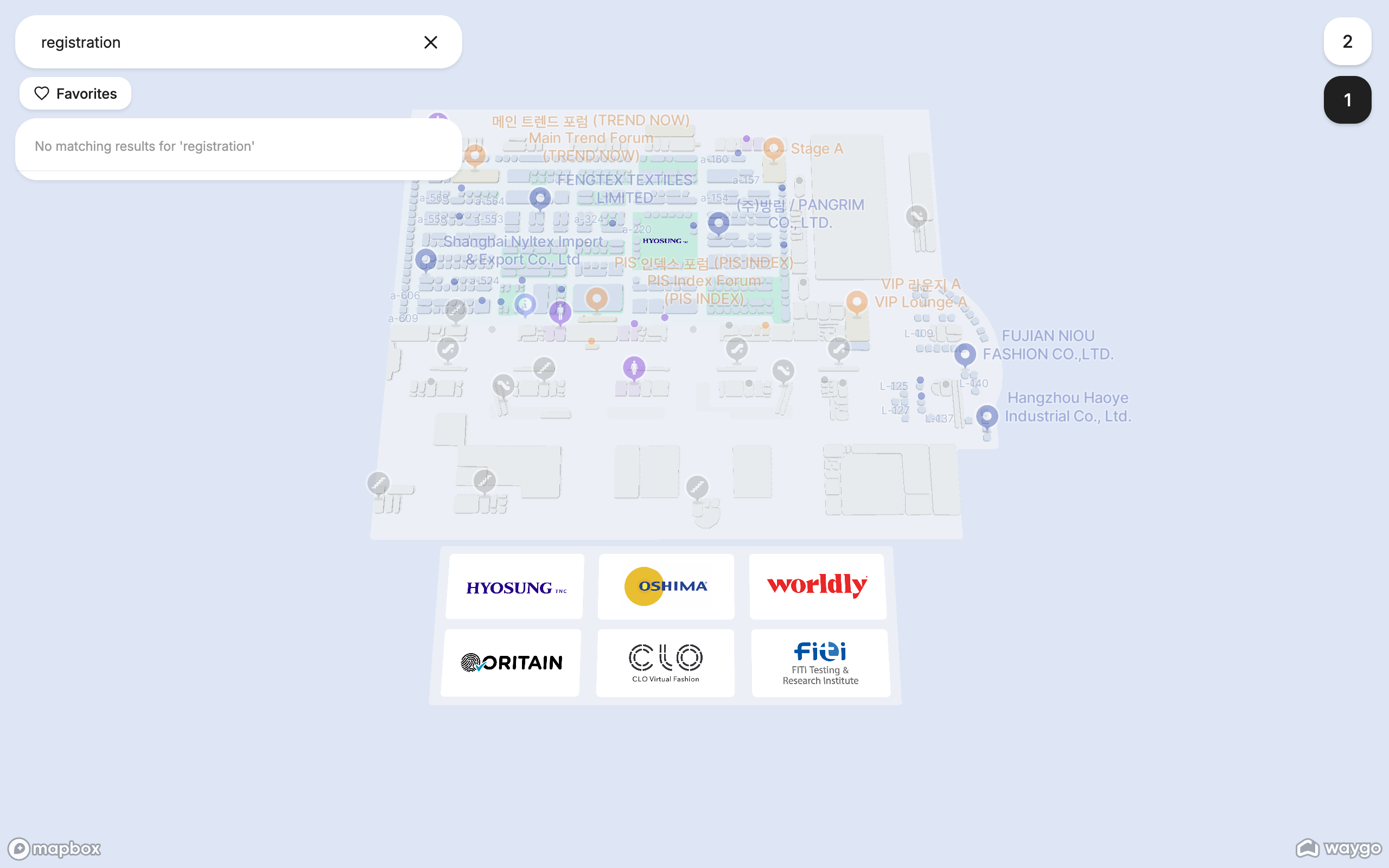
Once placed, a row's name appears as a label on the map, it shows up in search, and visitors can open it, see its details and get directions to it. Changes you make in the catalog reach the live map as you make them.
Create a catalog
Content catalogs → Create catalog
Give it a name: visitors see it under a place's name (“Acme Robotics · Exhibitors”), so pick the plain category word. The optional ID is for developers and integrations; leave it blank to have one generated.
Add content
An empty catalog offers two ways to start: Create from scratch (add your columns, then type rows in) or upload a CSV file. A CSV creates the columns from its headers, so the easiest start is the spreadsheet you already have.
Once the catalog has columns, New content adds a row you fill in directly in the table, and every cell is editable in place.
Check the columns
Every column has a type. Types change how a value shows on the map: an image column becomes the logo, a url becomes a link, an email and a phone become tappable. Change a column's type from its header menu.
Tell Waygo which column places the rows
Usually the booth or room number. Your Waygo team sets the placement rule; from then on new rows with a valid number appear on the map by themselves.
Columns and types
| Type | Use it for | On the map |
|---|---|---|
string | Names, booth numbers, short text | Searchable text |
int, float | Numbers | Shown as typed |
boolean | Yes/no flags such as “Sponsor” | Shown as typed |
image | Logos and photos | The place's picture; upload from the row or paste an image address |
url | Website | A link |
email, phone | Contact details | Tappable |
date, time, datetime | Session times | Shown as typed |
Three columns have a special job, set under Catalog settings: the title column (the row's name on the map), the description column (shown under the name) and the image column (the logo). A fourth, the external ID, lets integrations find a row by your own identifier.
Import and export spreadsheets
- Upload a CSV when you start an empty catalog: the headers become the columns, and a mapping step lets you match each CSV header to a catalog column.
- Replace with CSV (the catalog's ⋯ menu) when the whole list changed: the catalog is rebuilt from the file, and rows that keep their placement column stay on the map.
- Export CSV any time: choose the row order, search to export a subset, and optionally include the system columns (row ID, created and updated times). The file opens cleanly in Excel and Google Sheets.
Files are CSV, up to 10 MB, first row headers, UTF-8. Step by step: Import exhibitors from a spreadsheet. To keep a catalog in sync with a registration or CRM system instead, see Keep content in sync with the API.
Landmarks
A catalog can be marked as a landmark catalog (Catalog settings). Its rows are used as reference points in directions: “Turn left at the Registration Desk”. Good candidates are entrances, information desks, stages and cafés.
Frequently asked questions
- How do I add exhibitors to my event map?
- Create an Exhibitors catalog, upload your exhibitor list as a CSV with a booth number column, and have Waygo set the placement rule that matches booth numbers to the floor plan. New rows appear on the map by themselves.
- Why is an exhibitor not showing on the map?
- Its placement column (usually the booth number) does not match a booth on the floor plan. The Content on this map section names the rows that are not placed; fix the value and the row appears.
- Can I upload a spreadsheet of sessions or sponsors?
- Yes. Any list works: one catalog per kind of content, one CSV per catalog. Columns come from the headers.
- Do I need to republish after editing content?
- No. Edits reach the live map as you make them. Publishing bakes them in later, by itself.
- How do logos get onto the map?
- Add an image column, mark it as the catalog's image column in Catalog settings, and upload a logo per row (or paste an image address). The map shows it in the place's details.
- What does “landmark catalog” mean?
- Its rows are used in directions as reference points: “turn right at the Registration Desk”. Mark catalogs of entrances, desks and stages as landmarks.