Conference agenda and room finder
Conferences lose people between sessions. The fix is a map where “Keynote: The Future of Packaging” is a place, the agenda links to it, and the route from registration is one tap away.
The content model
Two catalogs make a conference map work:
| Catalog | Rows | Placed by | Searchable columns |
|---|---|---|---|
| Rooms (landmark catalog) | Every room, hall and foyer | Room name or number matching the floor plan | Name, capacity, floor |
| Sessions | Every talk, workshop and break | The Room column | Title, speaker, track, day, start time |
Rooms are placed once. Sessions are placed through their room, so a visitor searching “packaging” finds the session and the map opens on its room. When the schedule changes, you edit the session's Room column and the map follows.
Set it up
Rooms on the plan
Create a Rooms catalog with one row per room, its name matching the label on the floor plan, and mark it as a landmark catalog in Catalog settings so directions say “past the Ballroom foyer”. Your Waygo team sets the placement rule that puts each room on its outline.
Sessions from the programme
Export the programme from your event or registration platform as CSV with the columns above and upload it as a Sessions catalog. The Room column is what places each session. See Import exhibitors from a spreadsheet for the upload steps; they are the same for any list.
Suggested searches
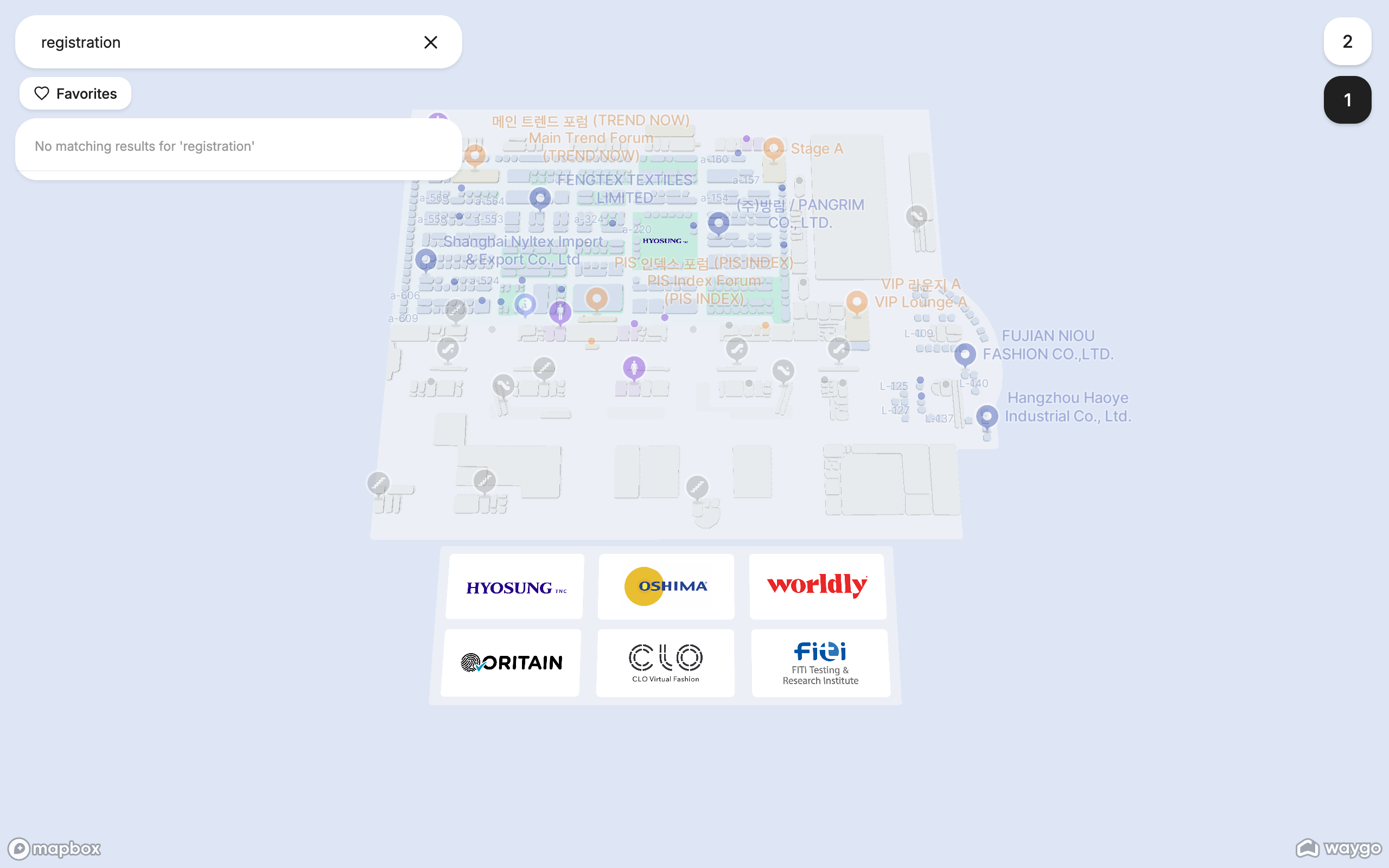
In Map settings: Registration · Keynote · Coffee · Restrooms · Track A.
Links in the agenda
Bulk links on the Sessions catalog, Directions to each row's place from the registration kiosk, or place links if the agenda is read at home. Put each session's link on its agenda entry (“Room 204 →”). See Bulk links and Map in a mobile event app.
QR codes and kiosks
A QR code on each room door opens that room's place link. A kiosk in the foyer and one at registration give directions from where people actually ask. See Wayfinding kiosk for an event.
Keeping the schedule current
Room changes happen on the day. Edit the Room column in the Sessions catalog (or replace the whole catalog with a fresh CSV export from your platform) and the session moves on the map immediately. If your platform can push changes, the Content API updates rows by your session IDs; see Keep content in sync with the API.
Frequently asked questions
- Can attendees search the map by session or speaker?
- Yes. Put sessions in a catalog with title, speaker and track columns; every column is searchable and the map opens on the session's room.
- How do I link the agenda to the map?
- Export one link per session with Bulk links and put it on each agenda entry, in your app or on your website.
- What happens when a session changes room?
- Change the Room value in the Sessions catalog; the session is placed in the new room at once and every link to it opens there.